Switch features on and off
Every part of Point of Sale has a switch; turn on only what the business uses.
Point of Sale starts simple. Each feature has its own switch, so a small shop is not shown what only a restaurant needs.
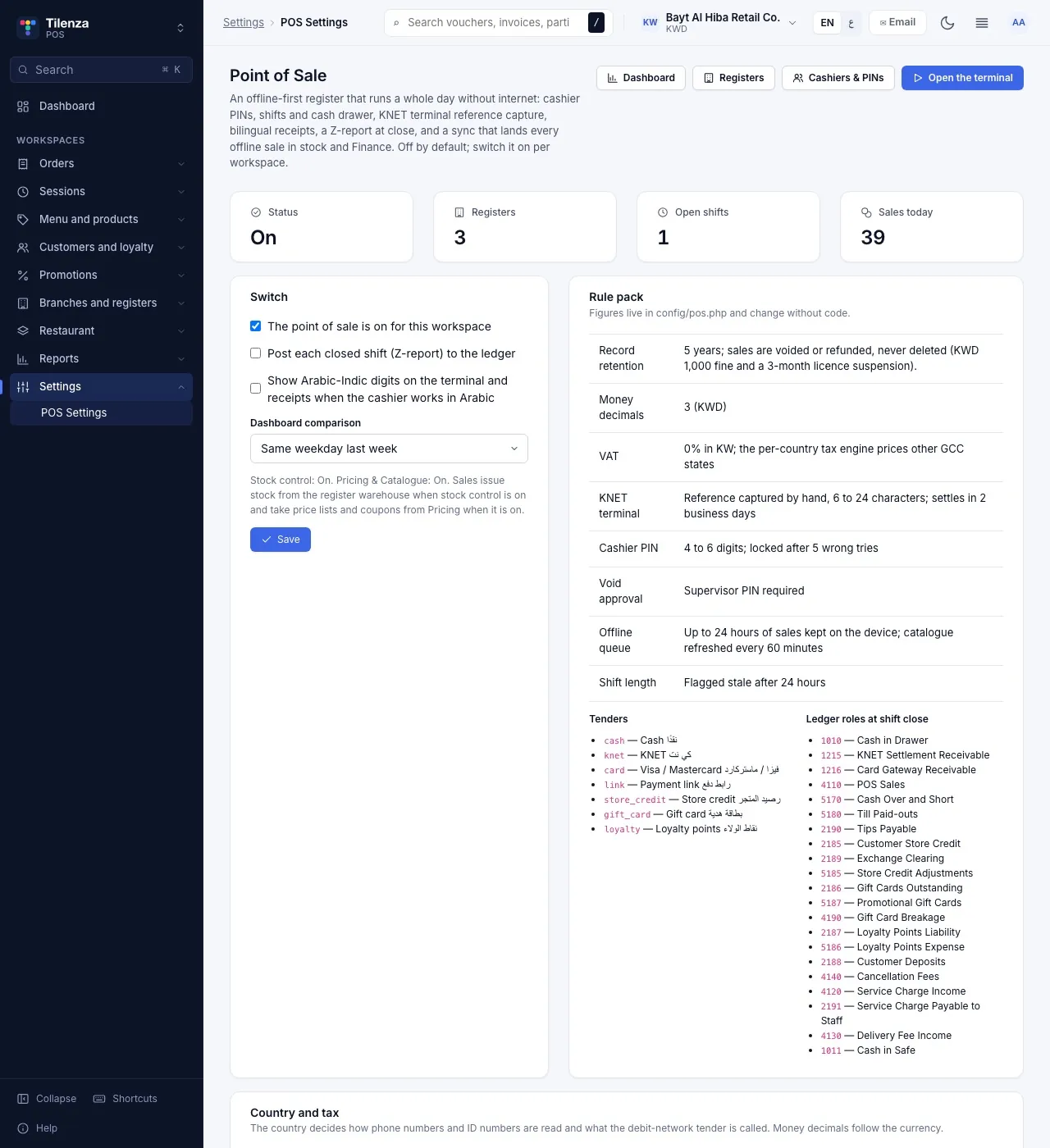
Open Settings › POS Settings.
The main switches
- The point of sale is on for this workspace turns the whole product on.
- Post each closed shift to the ledger sends every Z-report to Finance as a journal.
- Dashboard comparison chooses what today is compared with: the same weekday last week, yesterday, or nothing.
Features by area
| Area | Switches |
|---|---|
| Selling | Hold and quotes, open price, restricted items, warranty, training mode, tips |
| Payments | Which ways to pay are offered, the most ways to pay in one sale |
| Discounts | The limit a cashier may give on a line and on a sale, the reasons to choose from |
| Customers | Customer file, store credit, loyalty, gift cards |
| Receipts | Receipt designer, gift receipt, full-page invoice, copy mark, receipts by message |
| Cash | X-report, count by note and coin, safe drops, float transfers |
| Restaurant | Tables, courses, kitchen display, service charge, delivery, guest ordering by QR code |
| Returns | Days allowed, returns without a receipt, reasons |
Country and tax
The country decides how phone and ID numbers are read, the name of the debit network and the number of decimals. Change it under Country and tax on the same page.
A switch changes the till at once. Tills that are open pick up the change the next time they connect.
Didn’t find what you need? Ask a person