Read the day in reports
Sales by item, hour, cashier and payment method, and what to check.
Open Reports. Each report can be filtered by date and branch, printed and exported.
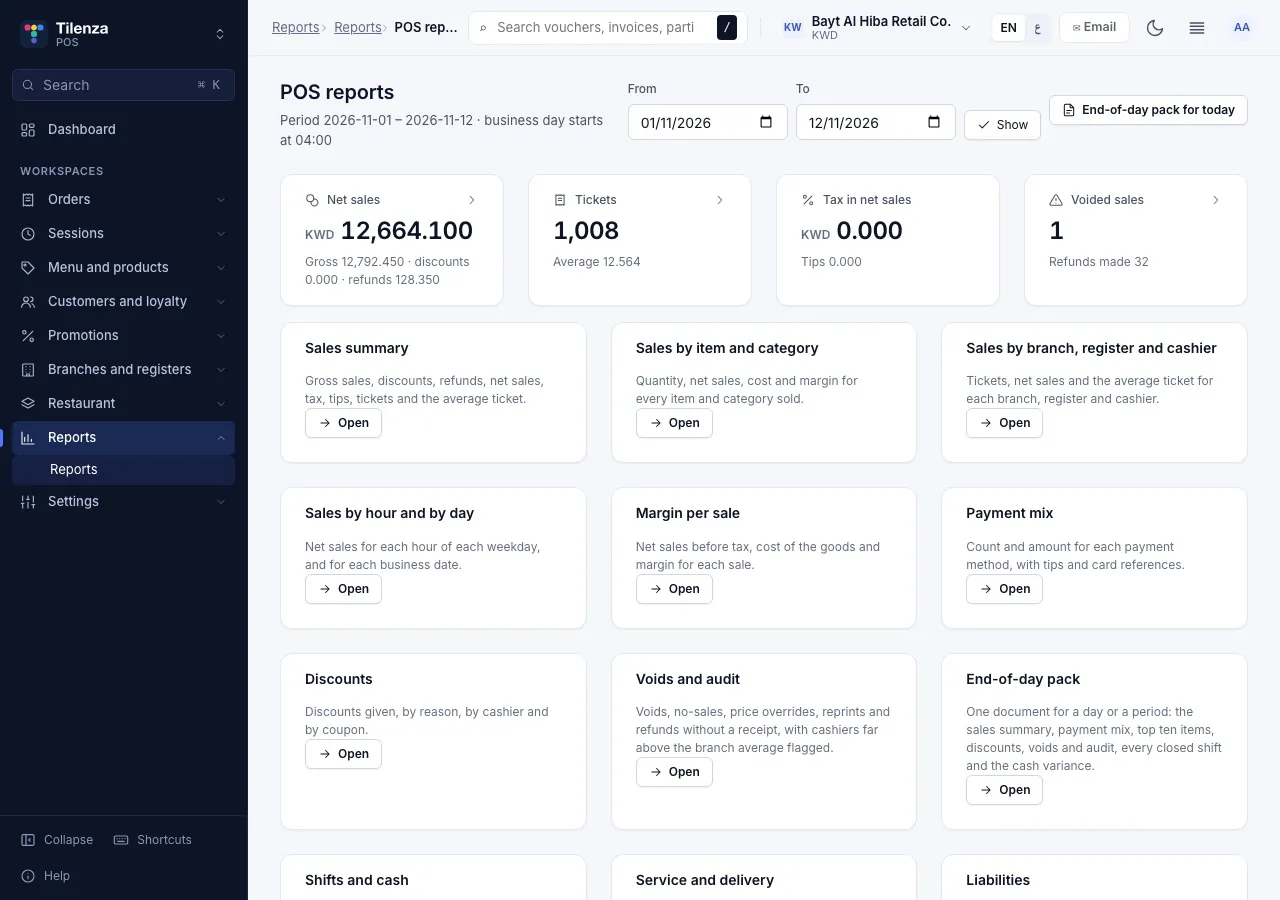
| Report | Answers |
|---|---|
| Sales by item and category | What sold, how many and for how much |
| Sales by hour and weekday | When the shop is busy |
| Sales by cashier | Who sold what, with voids and discounts |
| Payments | How customers paid, by method |
| Margin | What was earned after the cost of the goods |
| Service and delivery | Service charge and delivery fees |
| Kitchen | Tickets and the time each took |
| Liabilities | Gift cards, store credit and points still owed to customers |
| Audit | Voids, refunds, price changes and who approved them |
Reports by e-mail
Under Settings, reports can be sent by e-mail on a schedule, for example the day's summary every evening to the owner.
What to check every day
- The Z-report of each shift: is the cash difference small?
- Needs a look on the dashboard: voids and sales made without stock.
- Refunds: are they made with a receipt and a reason?
Didn’t find what you need? Ask a person