Offers, customers, loyalty and gift cards
Discounts that apply by themselves, a customer file, points and gift cards.
Offers
Open Promotions › Offers. An offer is taken off at the till by itself when the basket matches it.
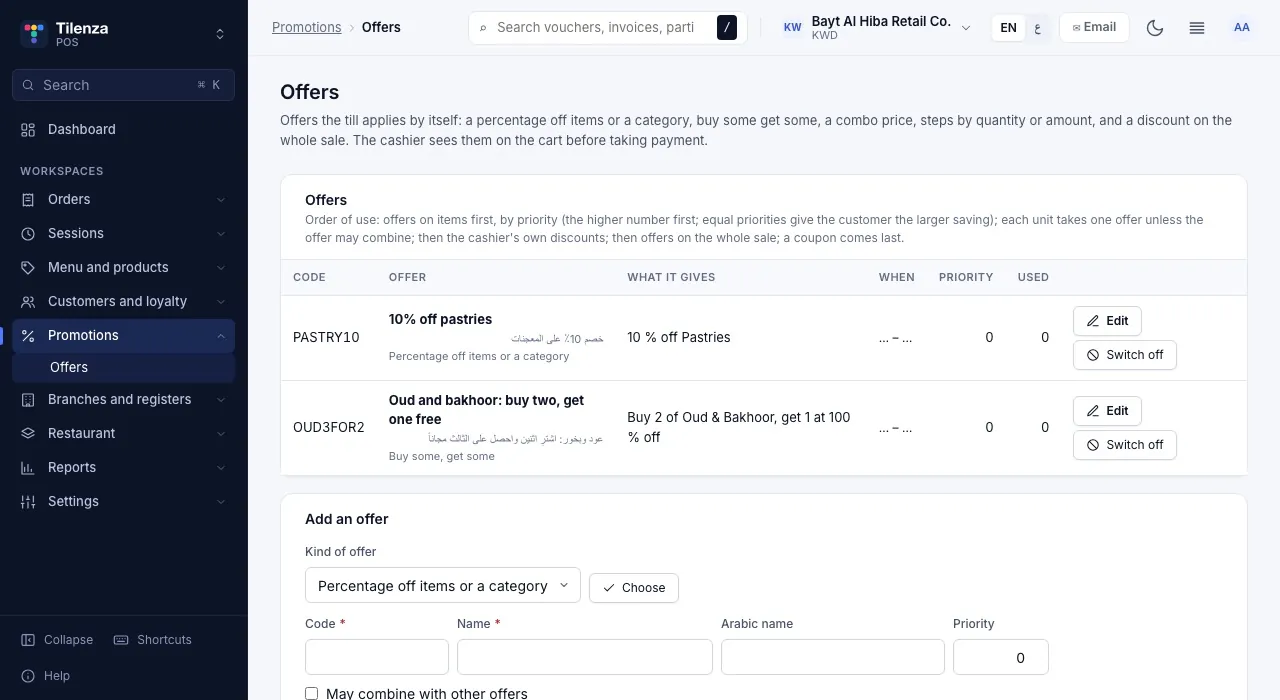
| Type | Example |
|---|---|
| Percentage off items or a category | 10% off pastries |
| Buy some, get some | Buy two, get one free |
| Combo at a fixed price | Sandwich and coffee for one price |
| More you buy, more you save | 5% off from three, 10% off from six |
| Percentage or amount off the whole sale | 5% off above an amount |
Each offer can be limited to days of the week, hours of the day and a number of uses. Coupons work the same way but need a code typed at the till.
Customers
Open Customers and loyalty › Customers & Store Credit. A customer is found on the till by phone number.
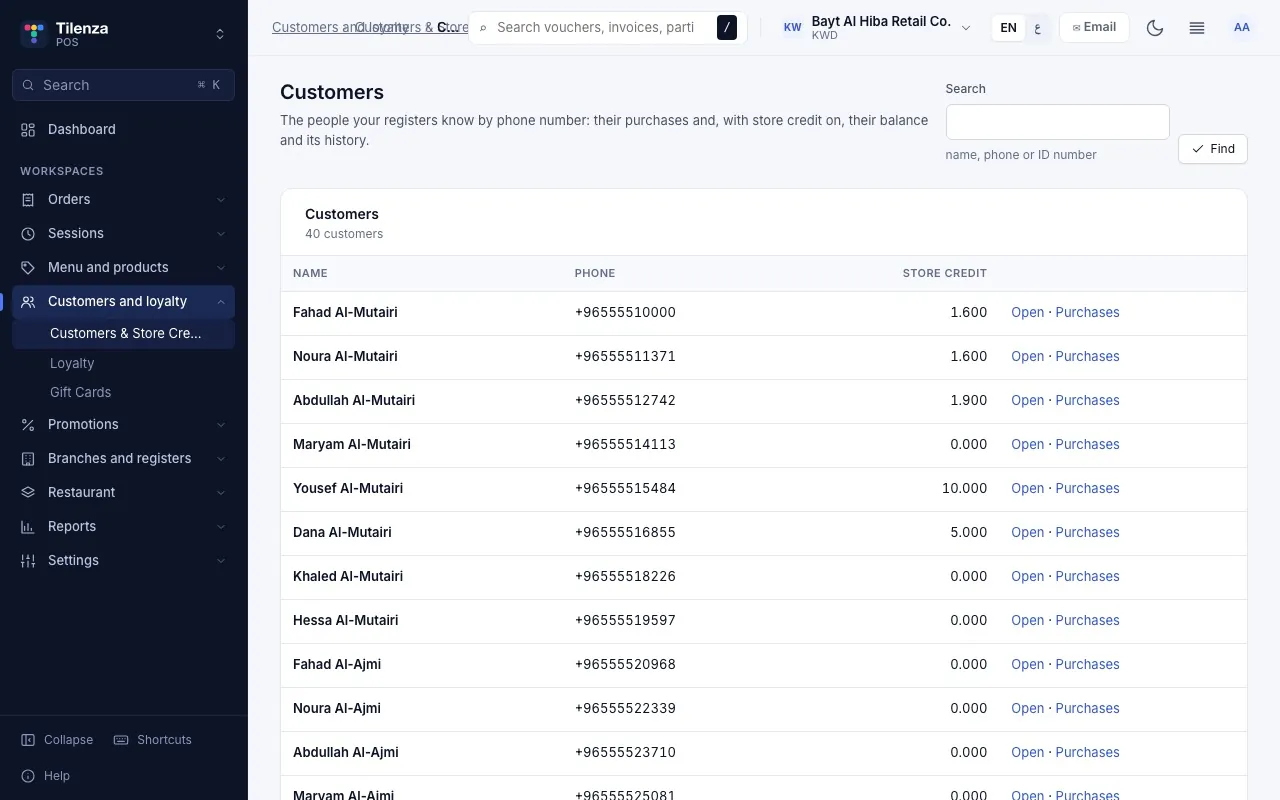
- Store credit is money the shop owes the customer, from a refund or a top-up. It can pay for a later sale.
- Loyalty gives points for each sale and lets the customer pay with them. Tiers reward regular customers.
- Gift cards are sold at the till and used as a way to pay. The balance is kept on the card's number.
Layaway and special orders
Under Orders › Layaway, a customer pays a deposit and collects the goods when the rest is paid. The stock is kept aside meanwhile.
Customer feedback
Open Settings › POS Settings, tick Customer feedback on the digital receipt and save. A customer who opens the digital receipt, from the message you send or the code printed on the receipt, is asked How was your visit? with one to five stars and a comment. Each sale has one answer, and the customer can change it for a day. The Customer feedback report shows the average, the answers for each register and cashier, and the comments.
Didn’t find what you need? Ask a person