Move stock between warehouses
A transfer is shipped from one warehouse and received in the other.
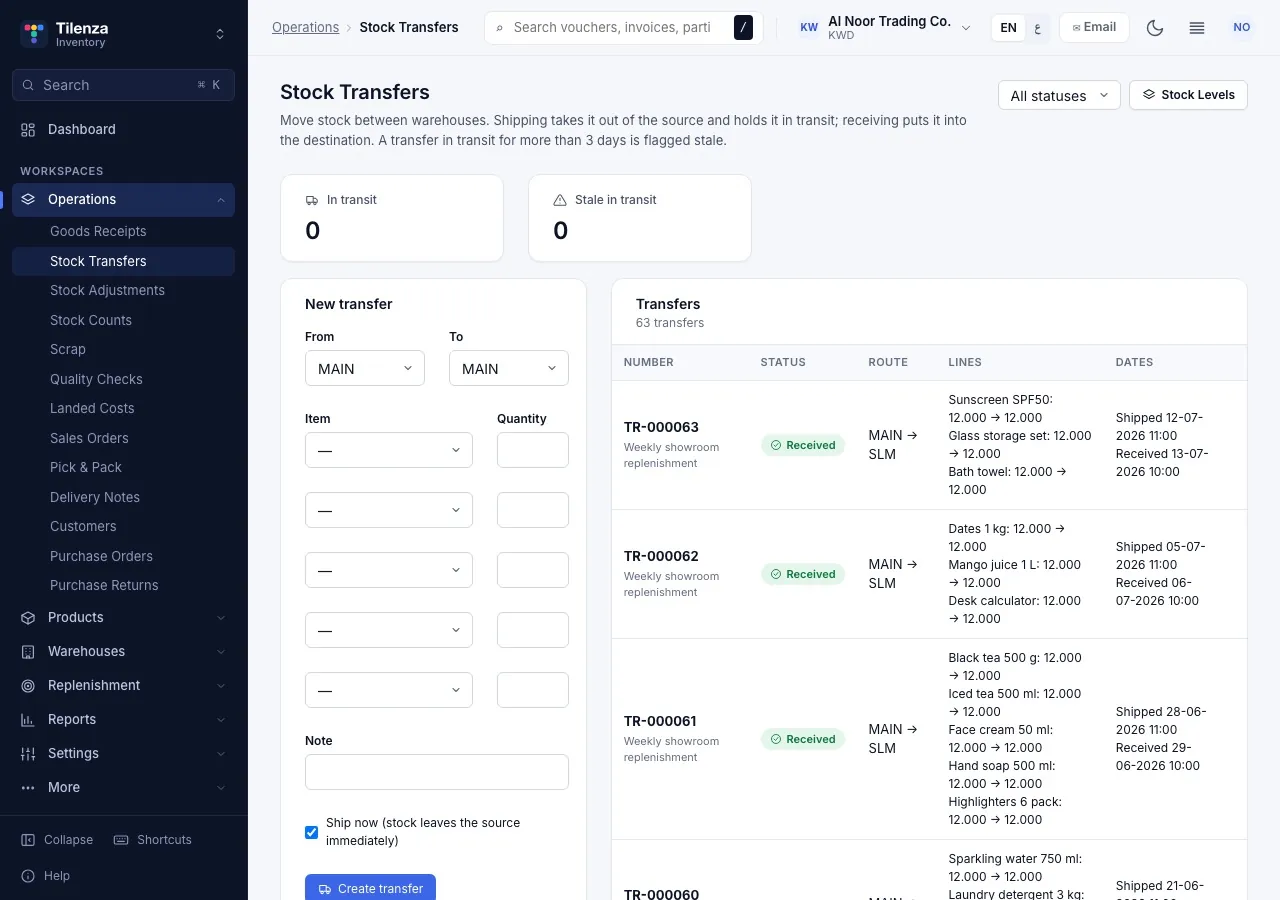
A transfer moves stock from one warehouse to another in two steps, so goods on the road are never lost from sight.
Steps
- Open Operations › Stock Transfers and start a new transfer.
- Choose the warehouse the goods leave and the one they go to.
- Add the items and quantities. With shelves on, choose the shelf each item leaves and the shelf it lands on.
- Ship the transfer. The goods leave the first warehouse and show as in transit.
- In the other warehouse, Receive it. Type what arrived; a shortfall needs a reason.
The goods arrive at the same cost they left with.
A transfer that stays in transit too long is marked on the dashboard under To do.
Didn’t find what you need? Ask a person