Receive a purchase order
Goods arrive against an approved order and become stock at their cost.
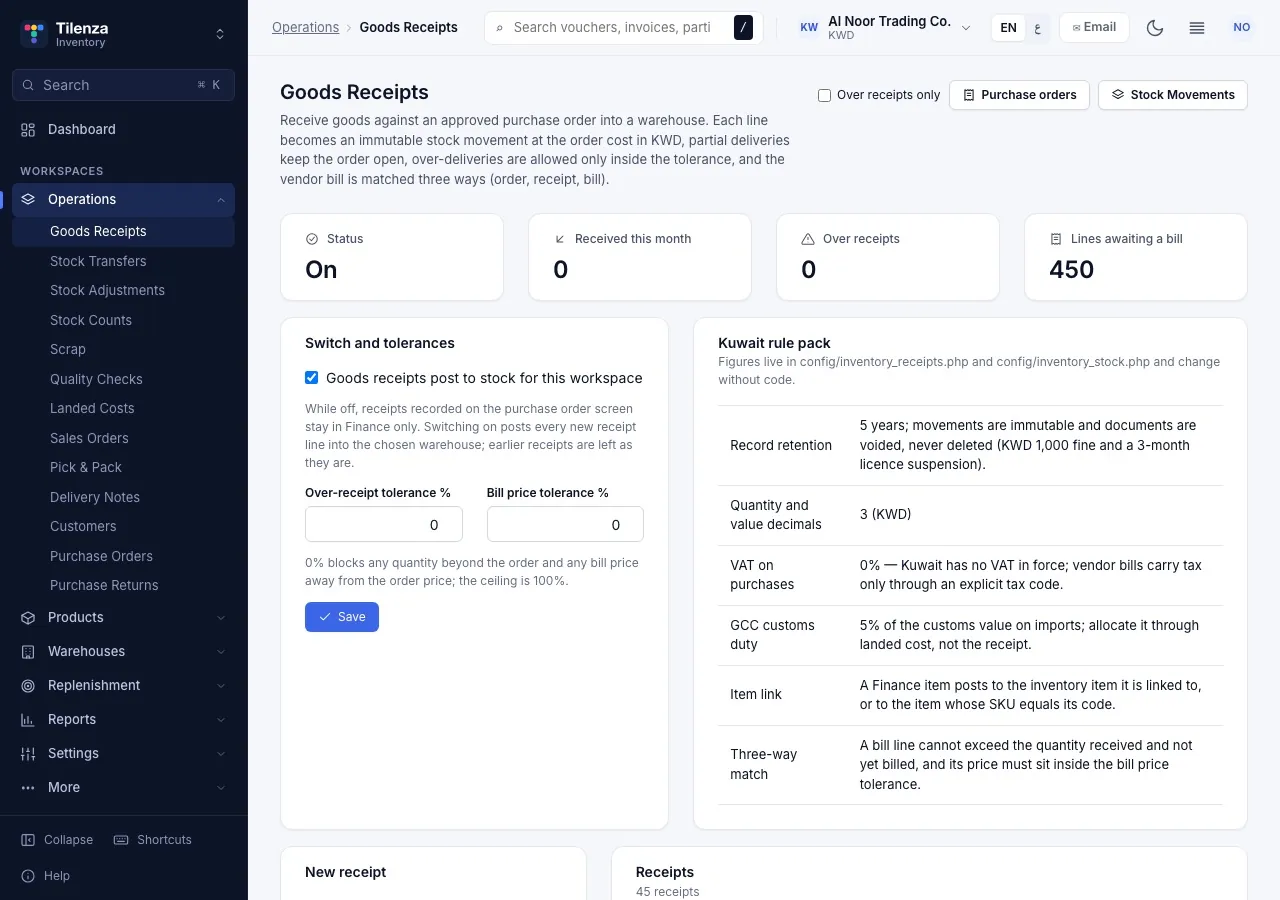
Stock comes in against a purchase order. The receipt puts the goods in a warehouse at the cost on the order.
Steps
- Raise and approve the order under Operations › Purchase Orders.
- Open Operations › Goods Receipts. Under New goods receipt, choose the order and the warehouse.
- Type the quantity received on each line. A part delivery keeps the order open for the rest.
- For an item kept by batch, type the batch number and its expiry date. For an item kept by serial number, scan or type each serial.
- Save. Each line becomes a stock movement that cannot be changed afterwards; a mistake is corrected with a return or an adjustment.
Tolerances
- Over-receipt tolerance allows a little more than was ordered. At 0% nothing beyond the order can be received.
- Bill price tolerance is how far the supplier's bill may be from the order price.
After the receipt
- With quality checks on, the goods wait for the check before they can be sold.
- With shelves on, a putaway rule suggests where each item goes.
- Landed costs add freight, duty and insurance to the cost of the goods received.
- The supplier's bill is matched to the order and the receipt.
Didn’t find what you need? Ask a person