Reorder levels, replenishment and forecasts
Know what to buy and when, from reorder rules and from past sales.
Reorder levels and alerts
Each item has a reorder level. Replenishment › Reorder Alerts lists what has reached it.
Replenishment
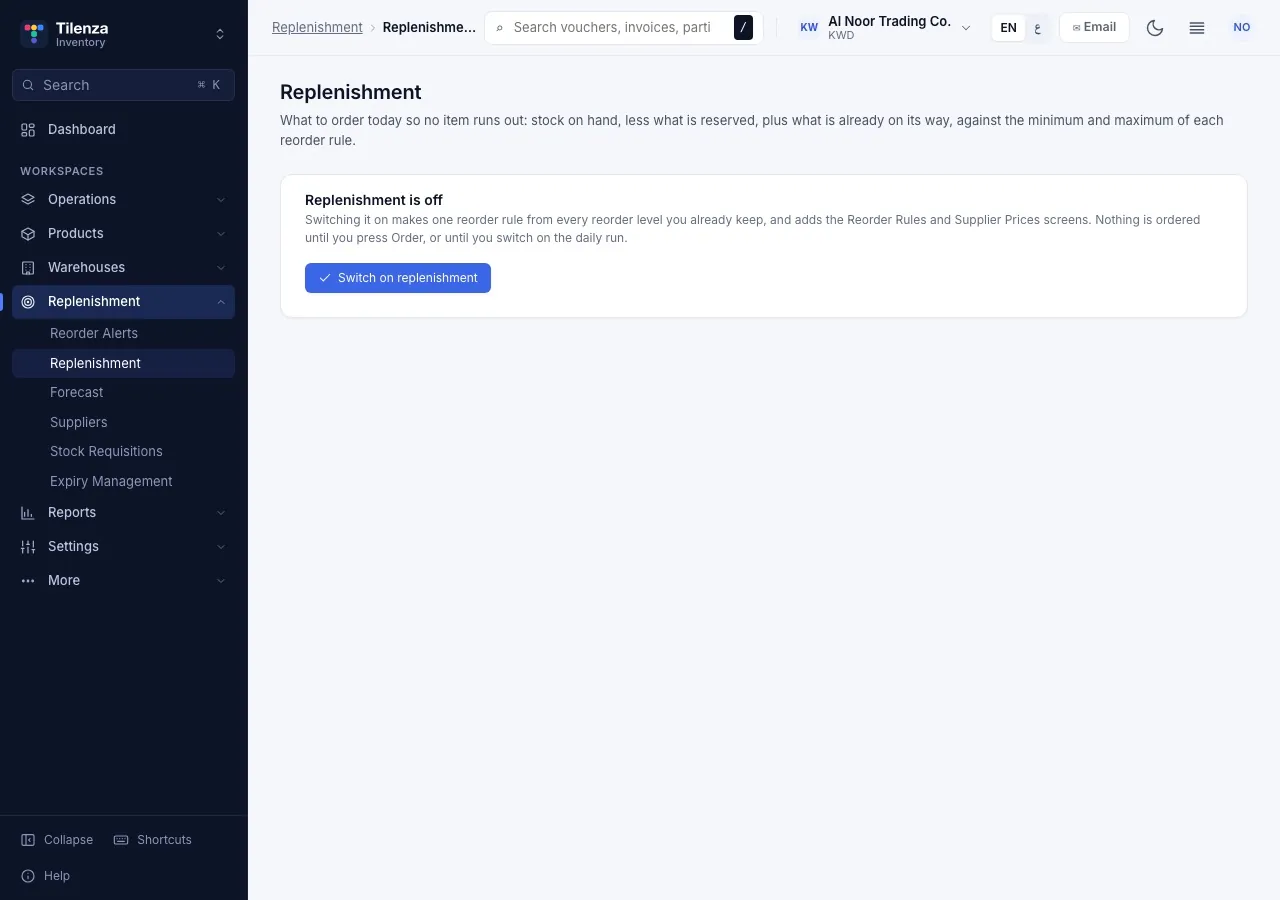
A reorder rule says, per item and warehouse, the lowest quantity to keep and the quantity to fill up to. Replenishment turns the rules into suggestions: buy from a supplier, or move from another warehouse. Accepting a suggestion makes the purchase order or the transfer.
Forecasts
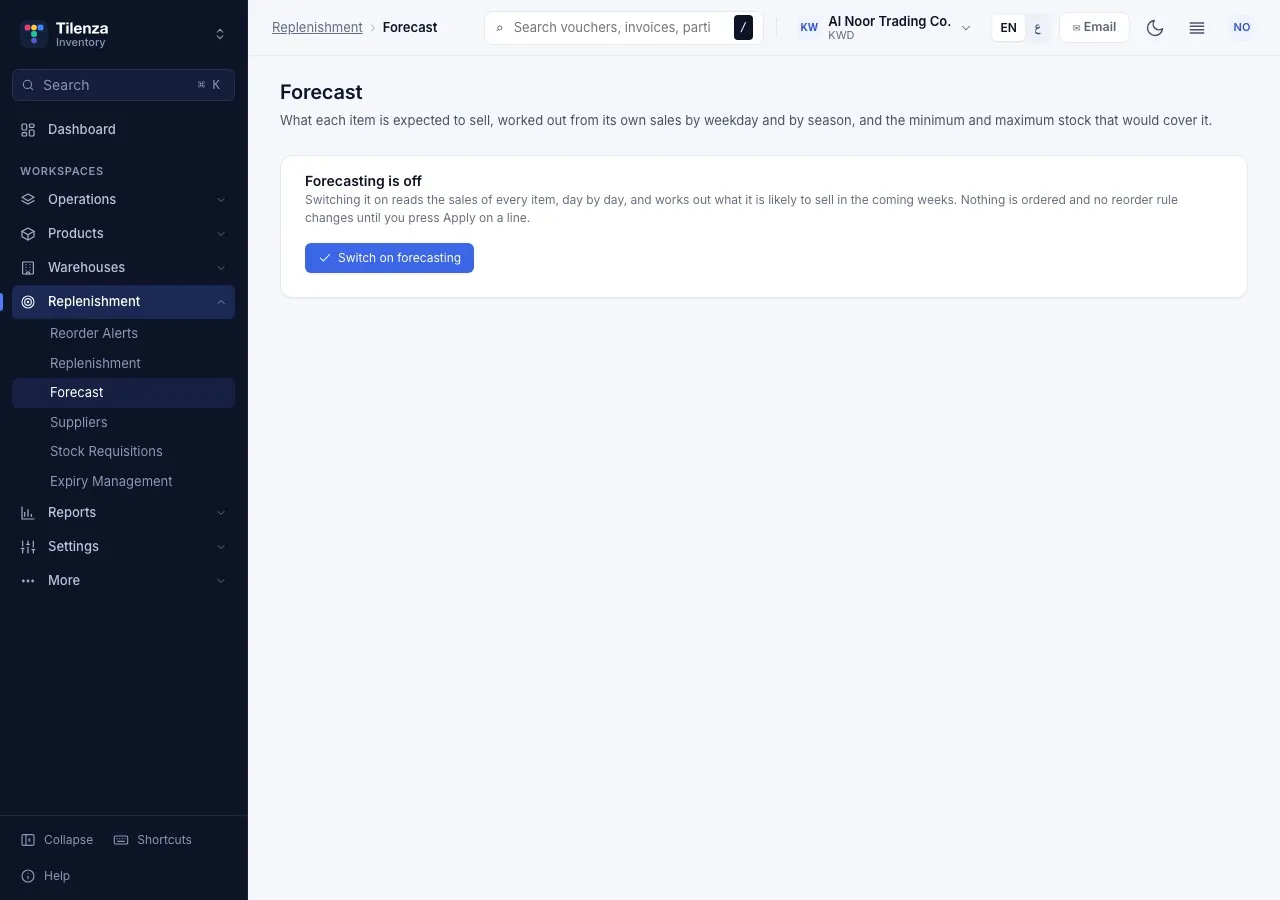
Replenishment › Forecast reads past sales and works out, for each item:
- how much sells per day, with the days of the week and the seasons taken into account;
- the day the item will run out and the day to order by;
- a suggested lowest and highest quantity for its reorder rule;
- how accurate the forecast was over the last four weeks.
Open an item to see the weekly chart with the weeks sold and the weeks expected.
Suppliers
Supplier prices keep each supplier's price, lead time and smallest order, so a suggestion can pick the right supplier.
Didn’t find what you need? Ask a person