Switch features on and off
Every part of Inventory has a switch; turn on only what the business uses.
Inventory starts with the item register only. Each further part is switched on when the business needs it. Switching a part off hides its screens and keeps its data.
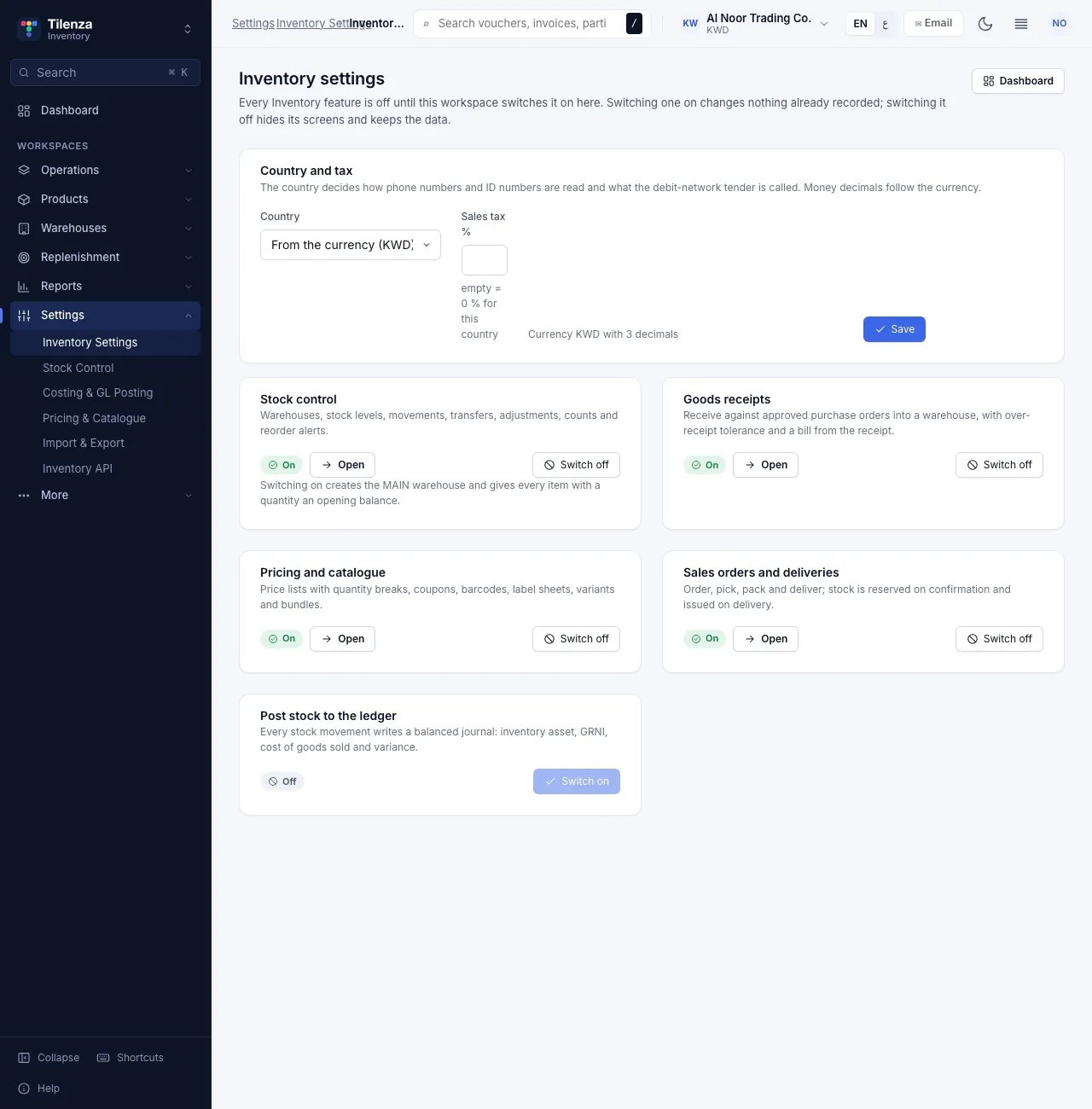
Open Settings › Inventory Settings.
| Switch | What it adds |
|---|---|
| Stock control | Warehouses, stock levels, movements, transfers, adjustments, counts and reorder alerts |
| Goods receipts | Receiving against purchase orders, with tolerances |
| Pricing and catalogue | Price lists, coupons, barcodes, label sheets, variants and bundles |
| Sales orders and deliveries | Order, pick, pack and deliver, with stock reserved on confirmation |
| Post stock to the ledger | A journal for every stock movement |
Further switches are on their own screens: units of measure, storage locations, replenishment, quality checks, scrap, landed costs, traceability, bills of materials, forecasts, stock reports, import and export, and the API.
Country and tax
The country decides how phone and ID numbers are read and how many decimals money has. A sales tax rate can be set here.
Didn’t find what you need? Ask a person