Find your way around the CRM
The dashboard, the menu on the left, your own settings and where each part of the CRM lives.
The CRM keeps everything about the people you sell to in one place: who they are, what was said, what is being offered and what comes next. It is a product of its own, with its own menu, and it shares the company file with the other Tilenza products you use.
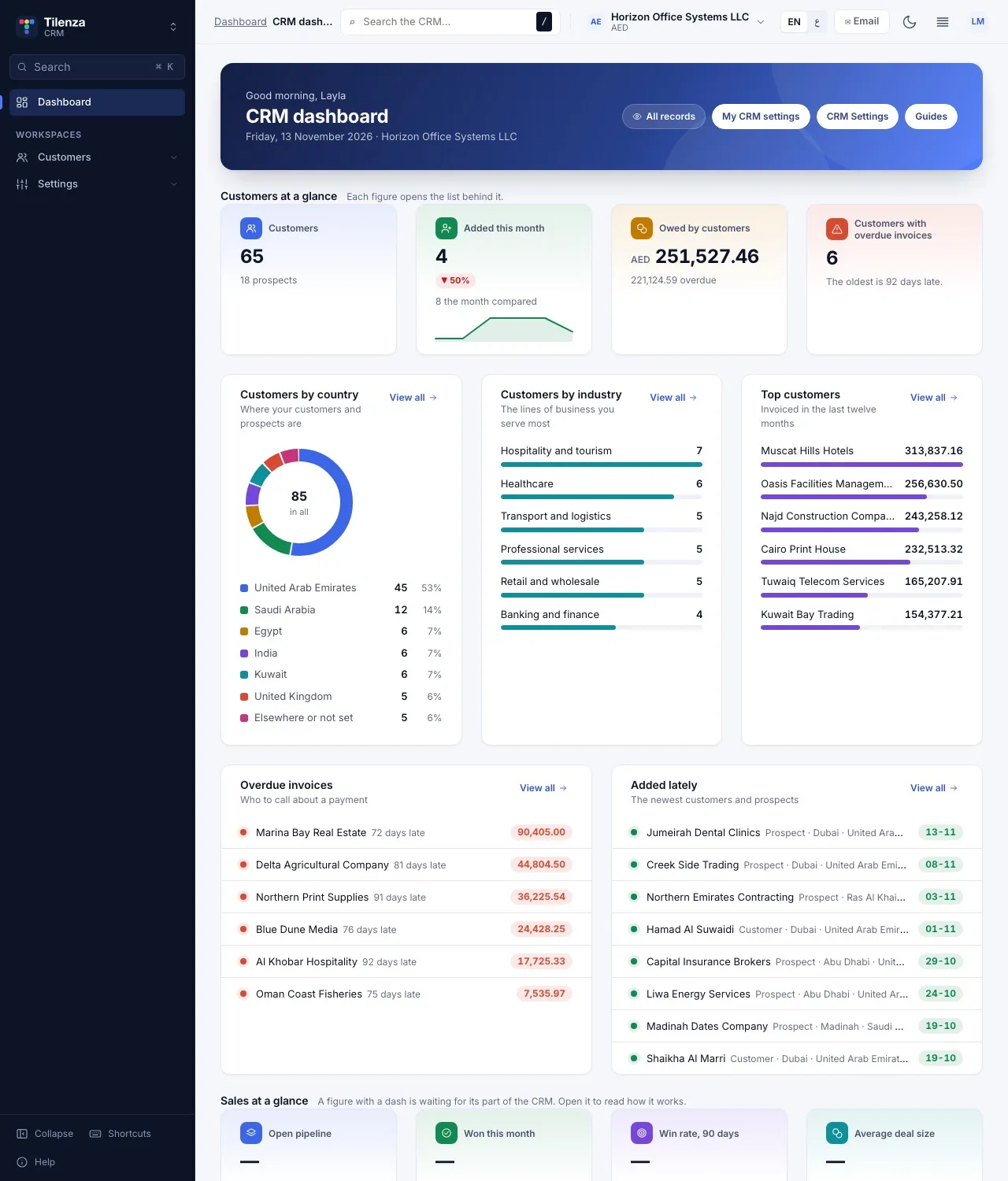
The dashboard
Open the dashboard. It shows the open pipeline, what was won this month, new leads and what needs you today. Every figure opens the list behind it.
- A figure with a dash is waiting for its part of the CRM. Open it to read how that part works.
- The chip at the top says whose records you see: your own, or those of the whole team.
- Your workspace lists what the CRM works with from the first day: the country, the currency, the languages, your choice lists and the people who can sign in.
The menu
The menu on the left is grouped the way the work flows: Leads, Customers, Pipeline, Activities, Marketing, Partners, Team and targets, Reports and Settings. A group appears once its part of the CRM is switched on, so the team sees only what it uses.
Press the search box at the top to jump to any screen by name.
Your own settings
My CRM settings are yours alone: your time zone, your signature in each language, your meeting link and the day you are back when you are away.
Where to go next
- Settings and choice lists to set the country and the lists people choose from.
- Customers and Leads to see how records are kept.
- The pipeline to see how a deal moves.
- The switches for each part are in CRM Settings.
Didn’t find what you need? Ask a person