Scoring and routing: the right person for each lead
Rules that rank new leads and hand them to the person who should call first.
When leads arrive faster than one person can read them, two questions matter: which lead first, and who should take it. Scoring answers the first, routing the second.
Both parts are switched off until you switch them on in CRM Settings, under Scoring and routing. Switching one off hides it and keeps every rule and every score.
What it is for
- A score ranks leads by who they are and what they do, so the best ones are called first.
- Routing gives each new lead, deal or customer without an owner to a person by rule, at once, with no manager in the middle.
- Nobody is given work while they are away, and no record is left without an owner.
Scores
- Switch on Lead scoring. It starts with a ready set of rules, so a person working alone needs no set-up.
- Open Scoring rules to change them. A rule under Who they are looks at the lead: its country, company size, budget and more. A rule under What they do adds points each time something happens: a form filled in, a meeting booked, or nothing at all for some days.
- Points for what a person does can fade after a number of days and can be capped for one day.
- Each lead shows its score, a grade from A to D and a card Why this score with every rule that gave or took points.
- When a lead first reaches the qualified score (50 unless you change it) it moves to Qualified and its owner is told.
The grade comes only from who the lead is: A for three quarters or more of the points on offer, B for a half, C for a quarter, D for less. Scores are worked out again every night, so faded points drop out.
Who takes a lead
- Switch on Assignment rules and add rules. The first rule that matches decides, so put the narrow rules first; the arrows move a rule up or down.
- A rule says when it applies (for example Country is one of SA) and who takes the record: people in turn, the person with the fewest open records, one named person, the people of the territory, or the owner of the matching customer.
- A rule can name a team, give each person a limit of open records and take only people inside their working hours.
- People who are away are passed over. When nobody on a rule is free the record goes to the next rule that matches, then to the person on the first rule with the fewest open records, then to the team manager, and last to the workspace administrator.
- Who would get this? runs the real rules on a sample and saves nothing.
- The Assignment log lists every record a rule gave to a person, with the rule and the reason. The same reasons show on the lead.
Rules run for a record that arrives without an owner: from a web form, the API, or an import where Owner is left on Nobody yet. A lead you add yourself stays yours.
A lead nobody answers
A new lead should get a first answer within the response target of your lead settings. Past it the lead is marked late and its owner and team manager are told. If you also set Give it to the next person after, a lead still unanswered then goes to the next person by the same rules, and the log says why.
Working minutes are counted from 08:00 to 17:00 on working days, in the time zone of each person, with the weekend of their country and your company holidays left out. So the same lead has a different deadline for a colleague in Riyadh and one in London.
Good to know
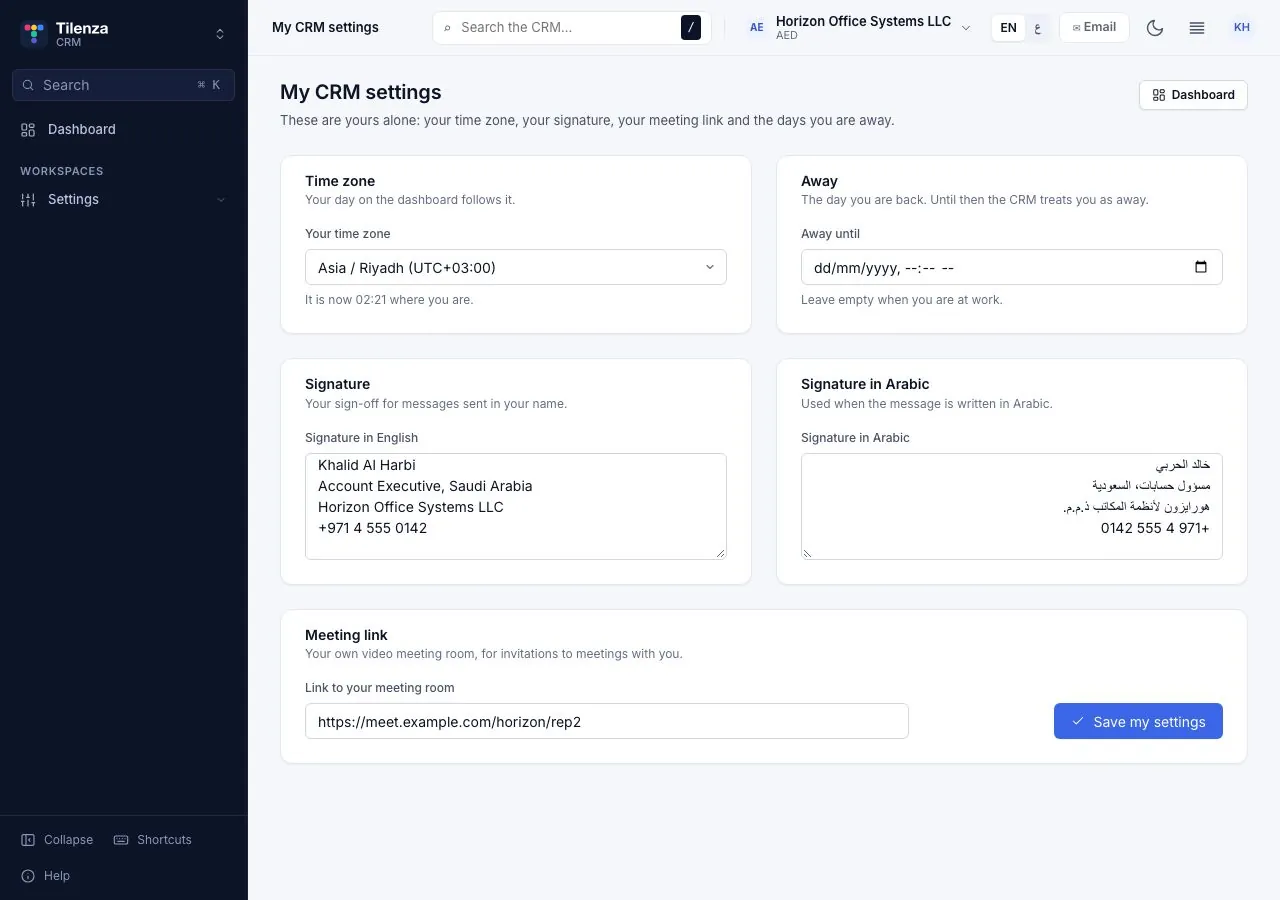
- Set the day you are back in My CRM settings before you leave.
- Read Teams, territories and targets for how teams and territories are drawn.
- Read Leads for what happens after a lead is taken.
Didn’t find what you need? Ask a person