Privacy and consent
What each country asks of a company that keeps customer data, and how the CRM helps you follow it.
A CRM holds personal data: names, phone numbers, e-mail addresses and what was said. Most countries have a law about how a company may keep and use it, and the laws differ.
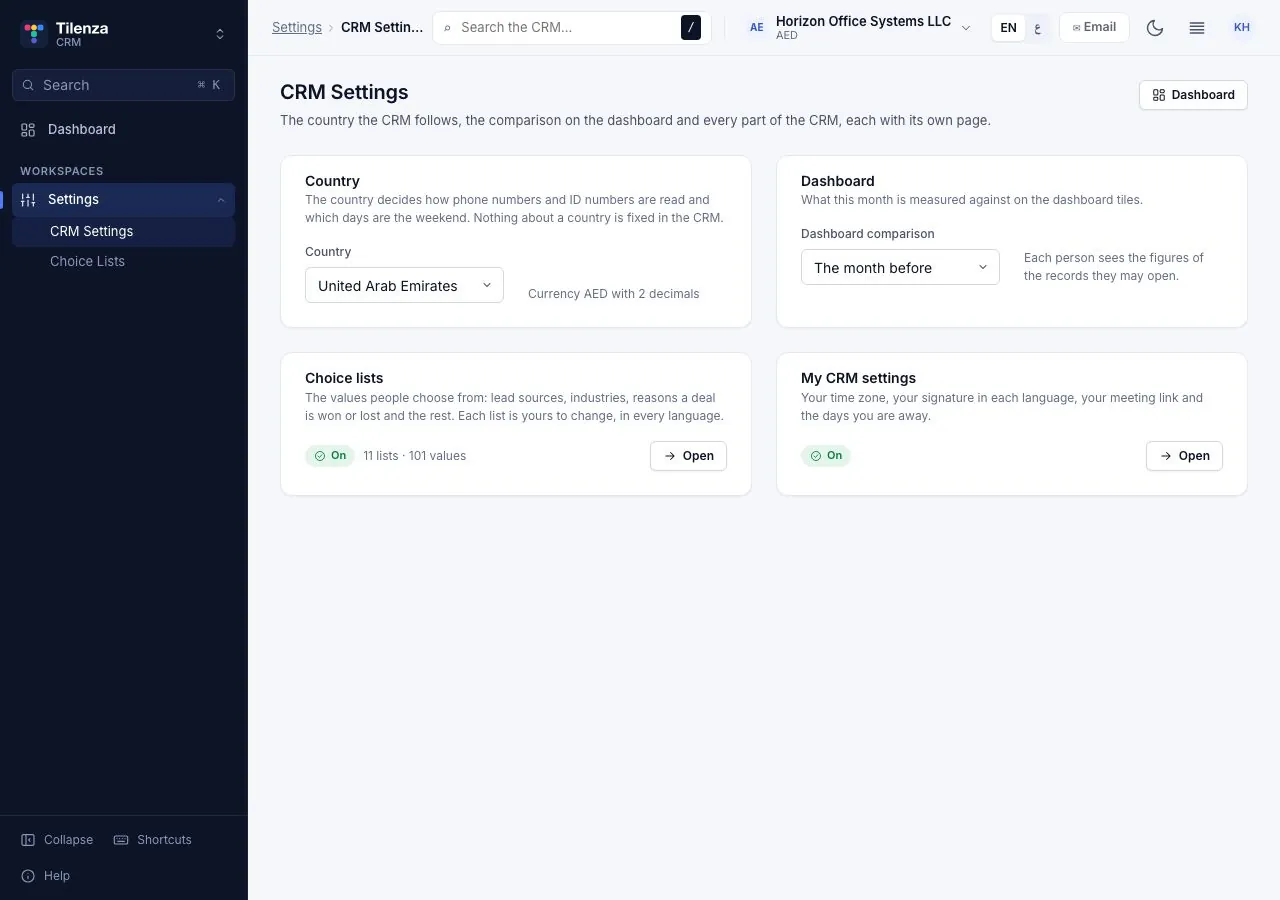
Privacy and consent starts switched off. Open it from CRM Settings and switch it on. Consent is checked before marketing is sent even while it is off.
What it is for
- The rules of each country are kept as data that your company reads and confirms, never as something fixed in the product.
- Consent is recorded with its date, its source and its wording, and is checked before anything is sent for marketing.
- When a person asks what you hold about them, or asks to be forgotten, the CRM finds everything in one go and counts the days you have to answer.
How it works
- Open Privacy and consent and choose Country rules. Copy the row of each country you work in, check it with your adviser and confirm it. Until you confirm a row, the strict default applies there: ask first on every channel and no tracking without consent.
- Consent is recorded where it is given: on a web form, at the till, in the shop, or by a member of staff. Each person has a consent record that shows if anyone altered it.
- Record a request when a person asks for a copy of their data, a correction or an erasure. People can also ask on your public privacy page. The deadline of their country starts at once and the board shows the days left.
- Check the person's identity, then complete the request. A copy is one file with everything held about the person. An erasure overwrites the personal details and needs a second person to approve it.
The CRM gives you the tools. It does not replace advice from someone who knows the law of your country.
What an erasure keeps
- Posted invoices, credit notes and receipts stay exactly as they were issued, because accounting and tax records must be kept. The request lists each one with the reason.
- The consent record stays as proof of what was agreed, without the person's name.
- Everything else about the person is overwritten in customers, leads, the shop, the till and messaging. Nothing can bring it back.
Get ready today
- Set the country of the workspace in CRM Settings.
- Decide who in the company answers privacy requests and who approves an erasure.
- Add your do-not-call and bounced-address files under Suppression lists.
- Read Segments and campaigns for where consent is checked.
Didn’t find what you need? Ask a person