Open your online shop
Name the shop, fill in what the law asks a seller to show, and choose delivery and payment.
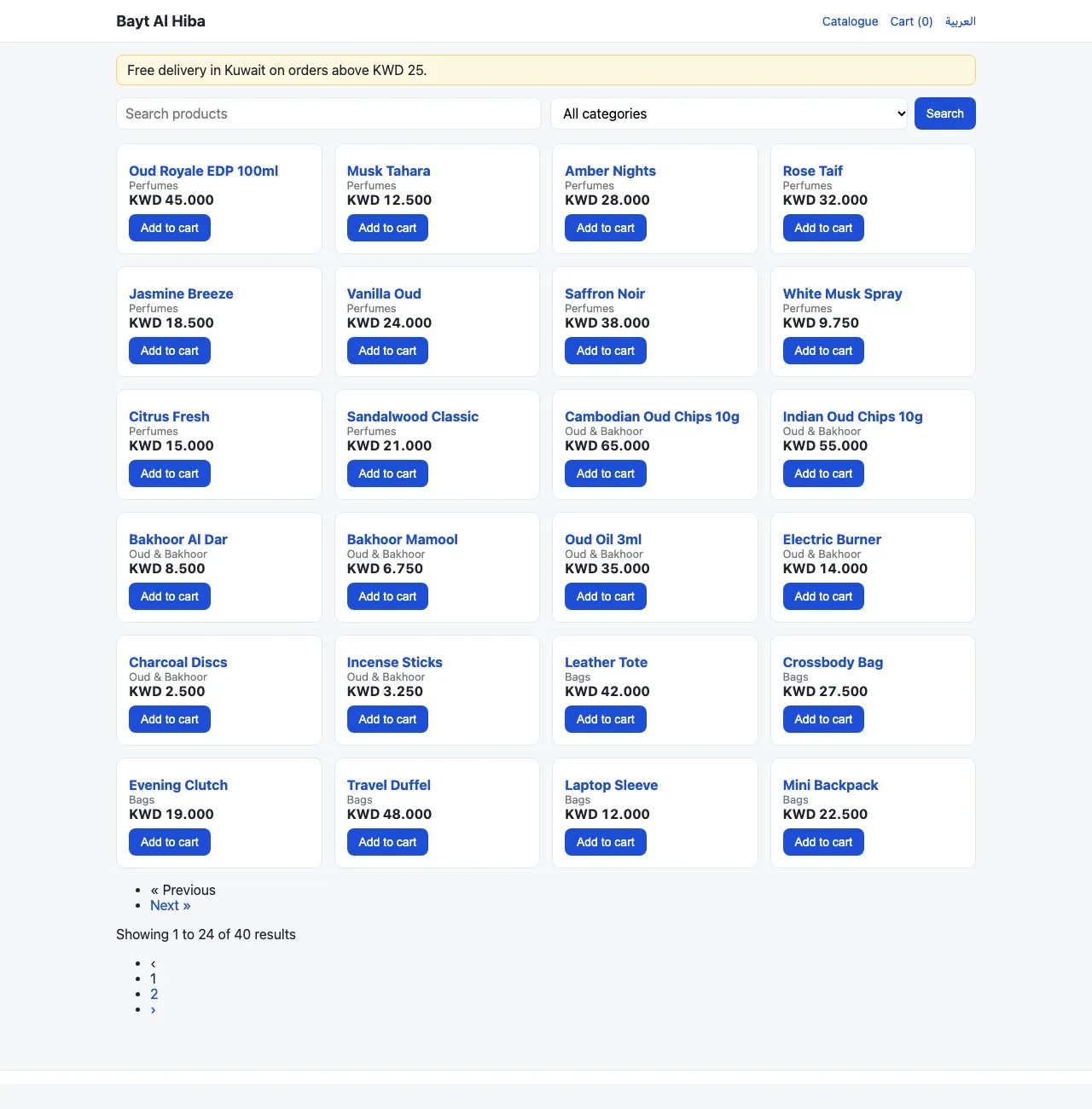
The Storefront is a public shop page for the same items and stock the till and Inventory use. A customer browses, fills a basket and places an order; the order arrives in the workspace.
Steps
- Open Storefront › Storefront Settings and switch the shop on.
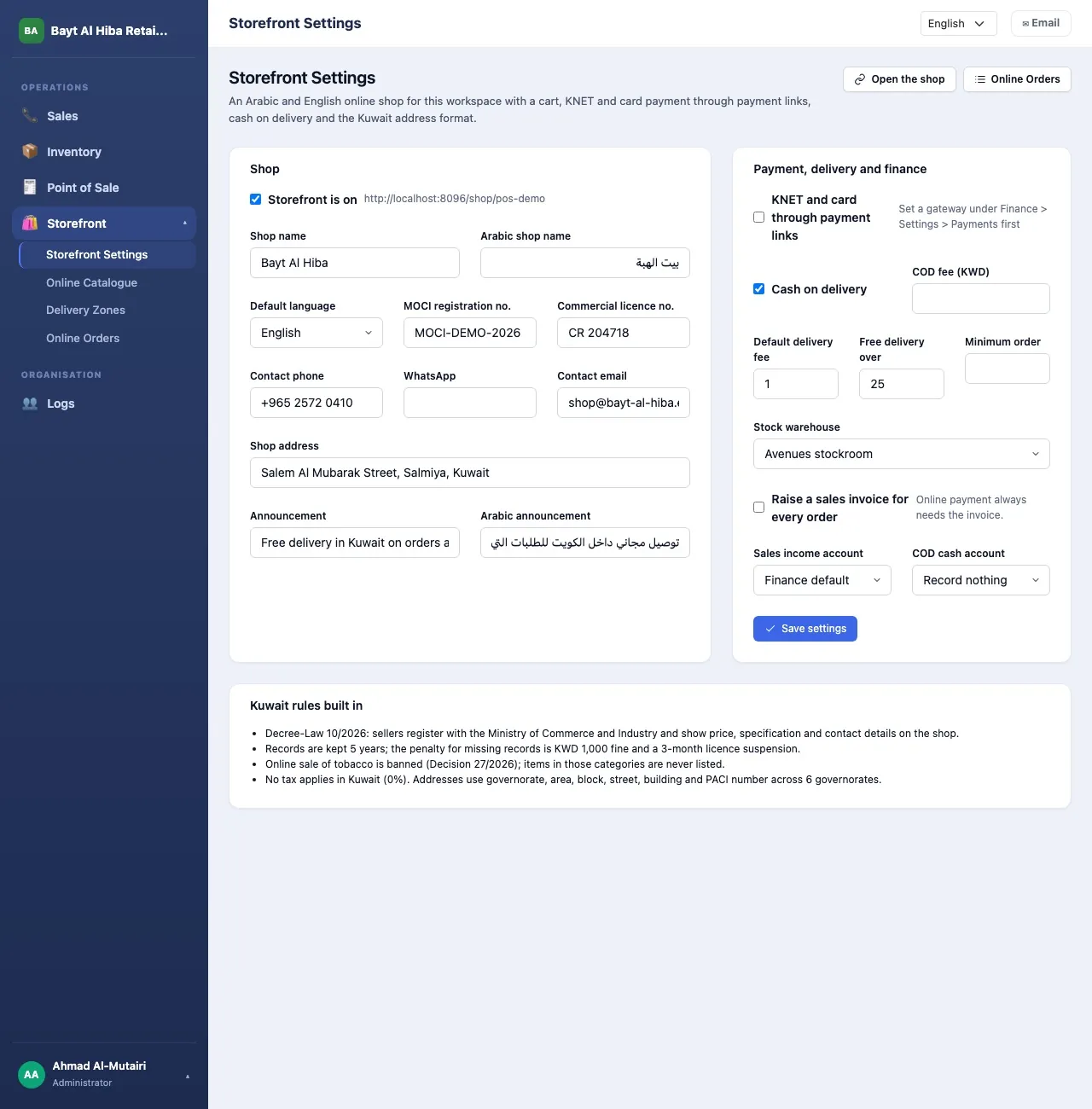
- Type the shop's name in English and Arabic.
- Fill in the commercial licence and registration numbers, the phone, e-mail and address. These are shown to customers at the foot of the shop.
- Choose how customers pay: cash on delivery, online payment, or both.
- Set the delivery fee, the amount above which delivery is free, and the smallest order.
- Choose the warehouse the shop sells from.
- Add a notice for the top of the shop, for example an offer or opening hours.
Online payment uses the payment gateway saved under Finance › Finance Settings › Online payments. Save the gateway's webhook secret there too. While it is missing, that page shows a warning and an order is marked paid only when the customer returns to the payment page, or a few minutes later.
The shop's address is shown at the top of the settings page. Visit the online shop on the main dashboard opens it.
Didn’t find what you need? Ask a person