Confirm and deliver online orders
Each order waits to be confirmed, delivered and collected.
Steps
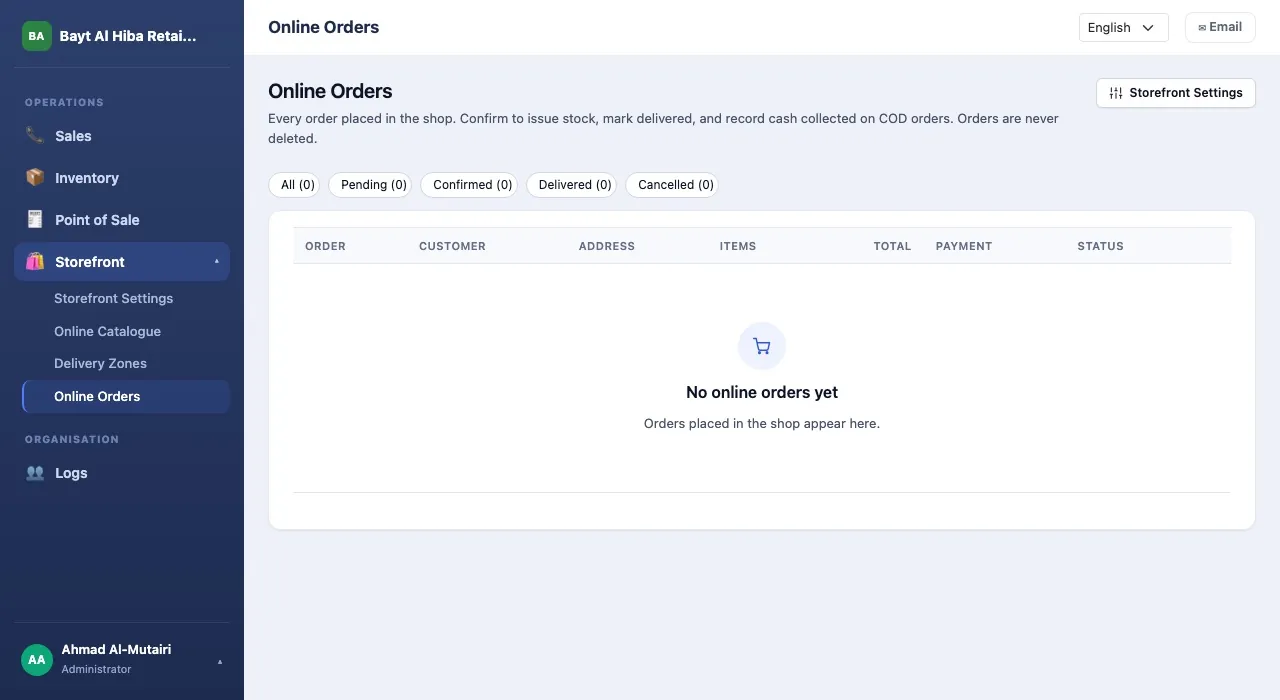
- Open Storefront › Online Orders. A new order is pending and has already reserved its stock.
- Confirm the order once the customer and the address are checked.
- Press Delivered when it has reached the customer. The goods leave stock.
- For cash on delivery, Cash collected records the money received.
- Cancel frees the stock again.
The main dashboard shows the number of online orders waiting to be confirmed.
Delivery areas
Under Storefront › Delivery Zones, set a fee for each area.
Didn’t find what you need? Ask a person