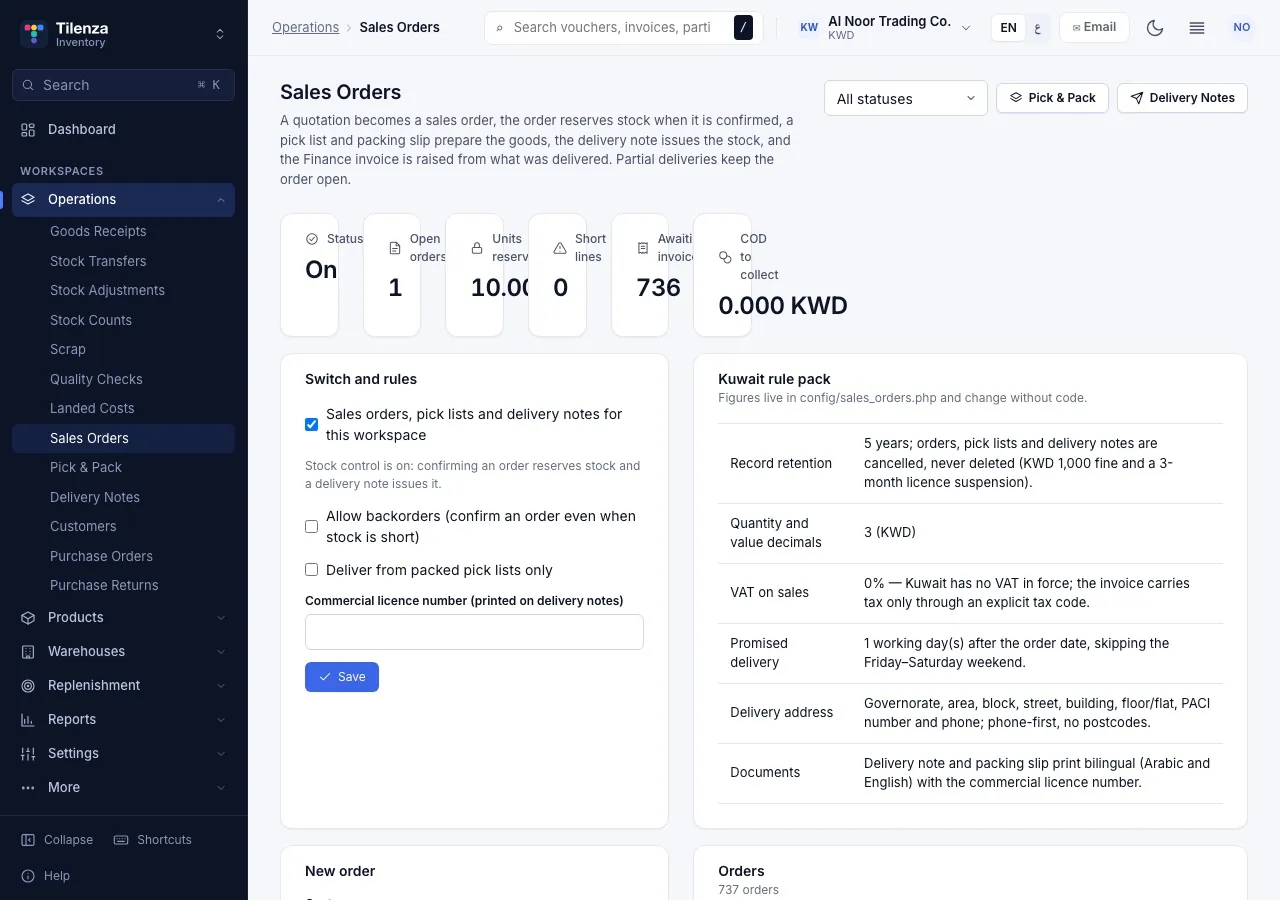
Take and confirm a sales order
An order reserves stock when it is confirmed.
Steps
- Open Sales Orders and start a new order.
- Choose the customer and the warehouse the goods leave from.
- Add the items and quantities. The price comes from the item or from the customer's price list.
- Confirm the order. The stock is reserved, so it cannot be promised to someone else.
An order stays open until everything on it is delivered. An order delivered in part shows what is still to go.
Didn’t find what you need? Ask a person