Pick, pack and deliver
From the pick list to the delivery note that takes the goods out of stock.
Steps
- Open Pick & Pack. The pick list shows what to take and from which shelf, in walking order.
- Pack the goods and record the boxes.
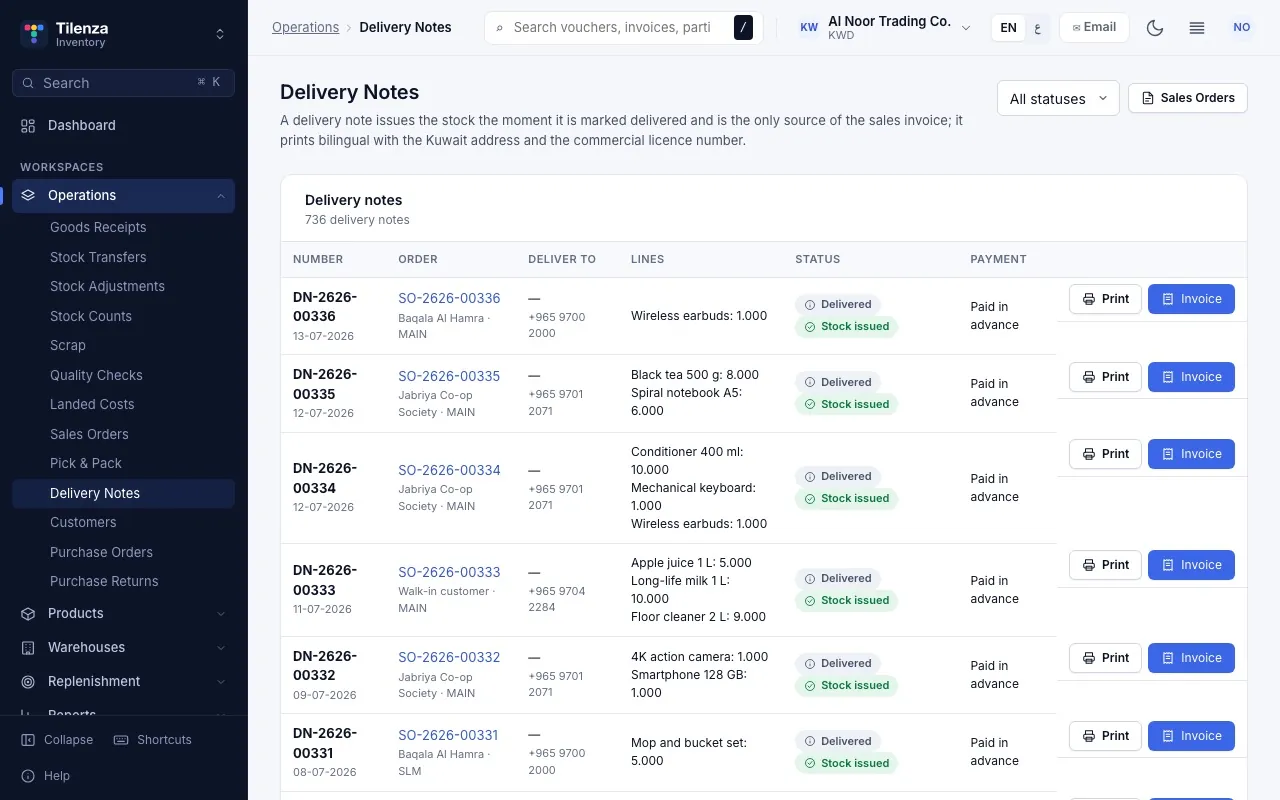
- Raise the delivery note for what is leaving. The goods leave stock at their cost.
- Print the delivery note for the driver and the customer's signature.
With Finance, the delivery is invoiced from the order.
Didn’t find what you need? Ask a person