Employees and their files
One file per person, from contract and pay to documents and history.
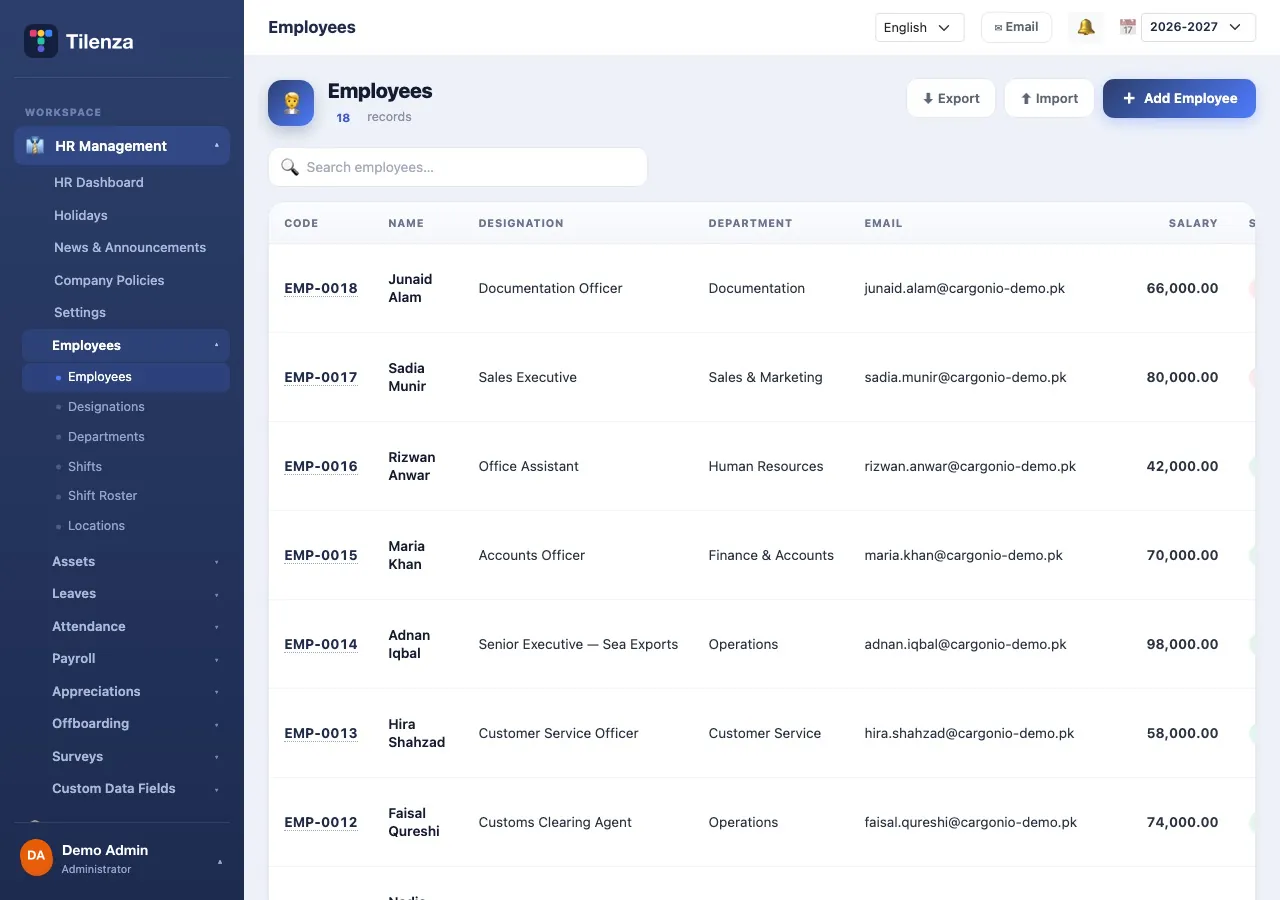
Add an employee
- Open Employees and press Add.
- Fill in the name in English and Arabic, the employee code, the department and the designation.
- Add the joining date, the nationality and the identity and residency numbers with their expiry dates.
- Under salary, type the basic pay and allowances.
The file
Each employee's file keeps the contract, the pay history, loans, leave balances, documents, family members and letters. Expiring documents are listed on the dashboard before their date.
Many at once
The Import button on each list takes a spreadsheet and checks it before anything is saved.
Didn’t find what you need? Ask a person