The main dashboard
Your whole company on one screen: products, figures, charts and what needs attention.
The main dashboard is the first screen after signing in. It shows the whole company, not one product.
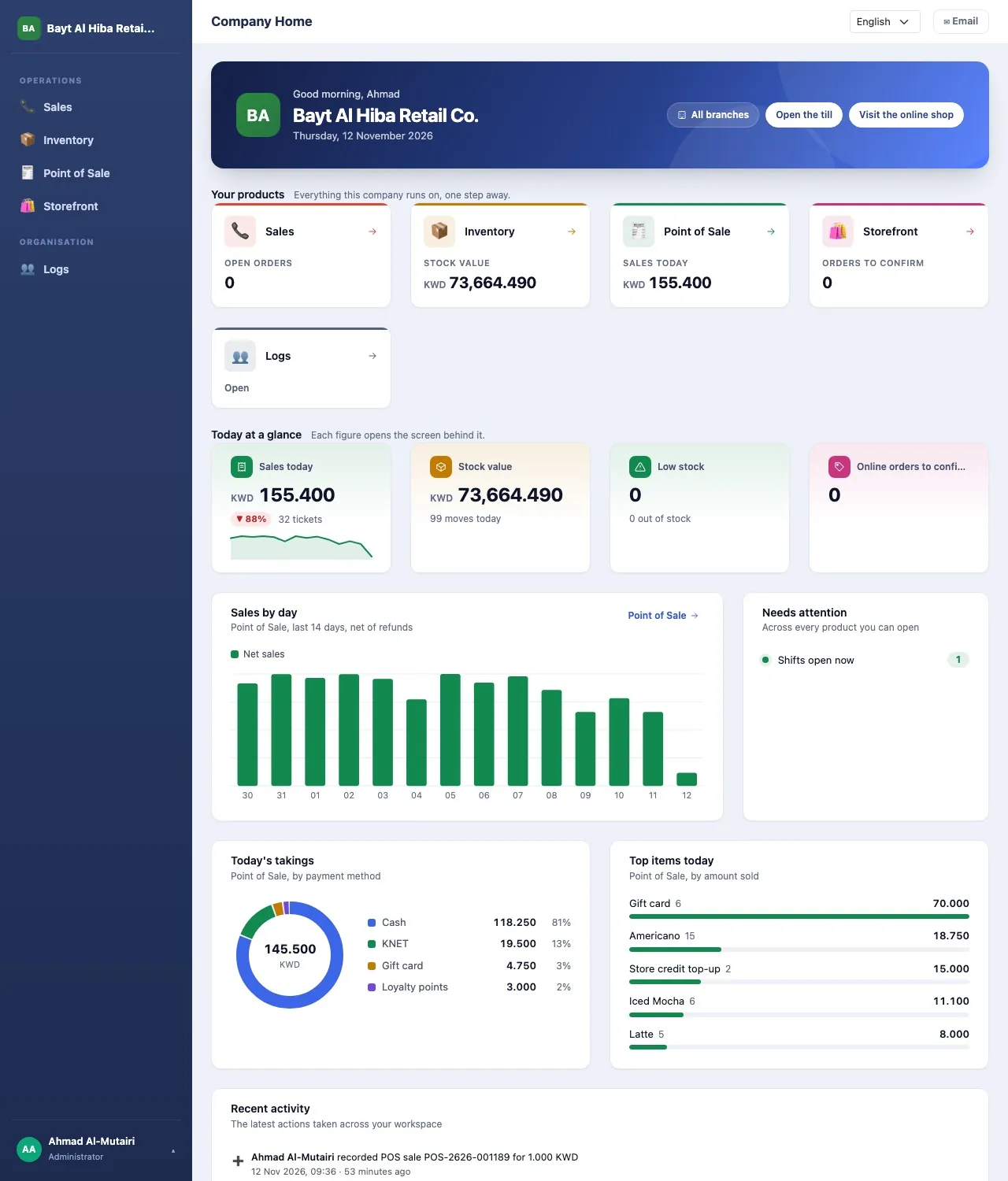
- At the top: the company, the date, the working year and branch, and shortcuts such as opening the till or visiting the online shop.
- Your products: one card for each product you can open, with one live figure. Click a card to open that product.
- Today at a glance: income, sales, stock value, people present and more, each with a trend line. Click a figure to open the screen behind it.
- Charts: income against expense for six months, sales per day, today's takings by payment method and the best sellers.
- Needs attention: one list across every product. Each line shows a count and opens the list to deal with.
- Recent activity: the latest actions taken in the workspace.
You see only the products and figures you are allowed to open.
The menu on the left
The menu lists the products. The company's name at the top always returns to this dashboard.
Language
The language box at the top switches the screens between English and Arabic.
Didn’t find what you need? Ask a person